


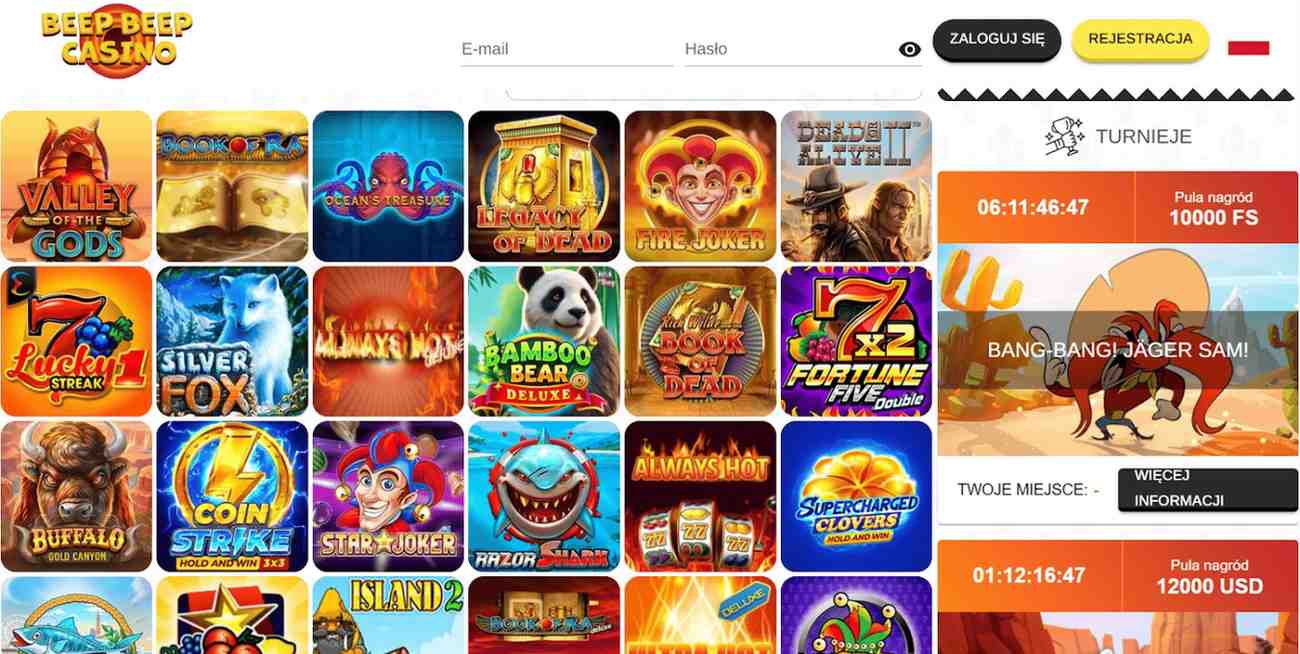
During my years of testing virtual casino platforms, I’ve seen cross-device compatibility evolve from a nice-to-have to the backbone of a solid product. Players now anticipate to switch from a desktop session to a mobile app without interrupting their game or putting up with a watered-down version of the games. Beep Beep Casino has embraced this shift, and I consider their unified experience both useful and well-built. I’ll walk you through what makes a cross-device casino app actually work, how to download the Beep Beep Casino application onto your device of choice, and the features that maintain things consistent and secure no matter what screen you’re viewing.
Seamless Account Sync and Protection
The security backbone that powers flawless sync is an aspect I consistently explore. Ease mustn’t come at the expense of safety, and I inform players that constantly. When you sign into Beep Beep Casino from a new device, the platform uses encrypted token exchange in place of keeping your password locally. So even when you switch between five different gadgets, bank-grade encryption continues to safeguards your credentials just as it did first login. Account balance and game progress update over secure WebSocket connections, keeping confidential data secured in transit.
I also like that the app includes multi-factor authentication, which provides a level of protection without disrupting the cross-device flow. Once you verify on a verified device, you can move between platforms without facing repeated verification prompts. But any access attempt from an unverified device activates an automatic security check. That combination of ease and vigilance hits the mark for me. From a compliance angle, running in Canada demands stringent privacy compliance, and I’ve observed Beep Beep Casino’s data handling aligns with those demands. Your private details and transaction logs synchronize securely, so you can feel at ease no matter which screen you’re on.
The Evolution of Mobile Casino Play
I recollect struggling to see a miniaturized casino site on a flip phone screen, games stuttering, payments crashing halfway through https://beepcasino.ca/fr-ca/appli/. The industry has journeyed a long road since those days. App-based platforms and progressive web tech now offer fluid interfaces that slot into place on any display. The drive came from a straightforward demand: players wanted to play through a few hands of blackjack on the train, then pick up on a tablet at home with zero friction. Shifting from single-device design to cross-device architecture has become the benchmark for quality, not a bonus.
What excites me about this shift is how it creates opportunities for more people. A player in Toronto can initiate a session on a laptop, pause, and continue exactly where they left off on an iPhone while getting coffee. The underlying systems no longer treat mobile like an afterthought; they construct from the ground up to be device-agnostic. Beep Beep Casino is a clean example of this thinking. The interface feels at home on each operating system, yet everything runs on a single backend. This isn’t a desktop site crammed onto a phone. It’s a unified ecosystem that respects your time and how you actually go through your day.
Setting up the Beep Beep Casino App on Android
For Android owners, the setup path is just as easy but asks for a quick settings adjustment. Since Beep Beep Casino provides the app as an APK file straight from their site, you must allow installations from unknown sources. I generally tell people to head into Settings, then Security or Apps, and enable “Install unknown apps” for their browser. From there, access the Beep Beep Casino mobile page, tap the Android download button, and the APK begins downloading. Open the saved file and adhere to the on-screen steps to finish the installation.
I’ve carried out this procedure on Samsung, Google Pixel, and OnePlus devices from Android 9 through the latest versions, and the app installs without a single compatibility problem. The APK is digitally signed and gets regular updates, so you’re getting the same secure version every time. After completing, I advise switching the unknown sources permission back off as basic security practice. The app itself requires only necessary permissions—storage for caching game assets, notifications for bonuses—nothing invasive. Logging in with your existing account syncs your balance and game history on the spot, rendering the switch from desktop to mobile feel effortless.
System Needs and Essential Prerequisites
Through my testing, I’ve formed a clear picture of what hardware and software the Beep Beep Casino app demands to run well. For iOS, anything that handles iOS 14 or later—which encompasses the iPhone 6s forward, plus recent iPad Air and Pro models—runs the app without trouble. On Android, I suggest version 9.0 or newer, though the app does operate on Android 8.0 with slightly longer loads. The install file remains compact, usually under 30 megabytes, and game assets stream on demand, so you won’t require a flagship phone with huge storage to browse the full catalog.
I also ran the app across a range of screen sizes, from a 4.7-inch iPhone SE to a 12.9-inch iPad Pro, and the interface adapted cleanly each time. Tablets receive a two-column lobby layout that takes advantage of the wider canvas, while phones employ a single-column, thumb-friendly design. The app handles Wi‑Fi and 4G/LTE connections equally well, and I noticed no real difference in game loading speeds. For desktop users, the web platform offers identical account access, so you can switch between a Windows PC, a MacBook, an Android phone, and an iPad without ever sensing like you lost quality along the way.
Downloading the Beep Beep Casino App on iOS
Getting the Beep Beep Casino app onto an iPhone or iPad is easy, though the steps are different from the usual App Store routine because of Apple’s rules around real-money gambling apps. I always direct users to the official Beep Beep Casino website first, accessed in Safari on iOS. On the mobile app page, you’ll find a clearly marked download button. Tapping it pulls down the installation profile. Your device will then ask you to confirm trust in the developer. This is typical for enterprise-signed applications and totally safe when obtained from the official source.
After you confirm the profile in Settings under General and Device Management, the app icon lands on your home screen. I recommend making jeuxvideo.com sure your iOS version is current—preferably iOS 14 or later—so all game animations and live dealer streams run without a hitch. Once you launch the app, log in with your existing credentials or sign up for the first time. The first launch may take a few extra seconds while the app tunes itself to your device, but after that starts are nearly instant. I’ve set up this app on several iPhones and iPads, and the process has stayed smooth each time, no unexpected errors or crashes.
How I Evaluate App Performance Across Devices
When I dig into a casino app’s cross-device performance, I run a structured process that simulates real-world use. I begin on a desktop browser, set up an account, fund, and try a few rounds of a popular slot. Then I open the app on an iOS device and see whether my balance and game history are there right away. Next follows a withdrawal started on mobile, checked on desktop. This back-and-forth reveals any lag or sync gaps. I also measure loads on Wi‑Fi and cellular, because a tuned app should perform well even on a spotty connection.
Performance goes beyond speed, though. I challenge the app by switching devices repeatedly in one session, watching for crashes or surprise logouts. I examine how the interface reflows on different screen ratios—a narrow phone display to a wide tablet landscape. Beep Beep Casino’s application passes these checks with few hiccups. Animations glide, the game library loads fast, which shows the dev team kept resource efficiency front of mind. That level of care is what distinguishes a polished cross-device product from something rushed on a deadline.
What Makes a Real Cross-device Casino App
For me, a genuine cross-device casino app is built on three things: a unified player account, real-time data sync, and a design that doesn’t remove features on smaller screens. Many platforms apply the cross-device label, but I’ve tested enough to identify where the seams show. A proper setup guarantees your balance, transaction history, active bonuses, and even your seat at a live dealer table stay identical whether you log in from an Android tablet or a Windows desktop. Any mismatch indicates a fractured backend, and that’s where trust fades.
I also watch how the app treats mid-session handoffs. If I’m spinning a slot on my phone and reach for my laptop, I want the game state to be preserved or handled cleanly without booting me out. Beep Beep Casino uses token-based session management that enables these fluid transitions. Beyond the technical side, the visual language has to stay consistent. Icons, menus, the cashier flow—they should look familiar across devices so your muscle memory carries over. When these pieces come together, the app deserves the cross-device badge honestly.
Key Features That Excel on Every Screen
What stands out to me in a well-crafted cross-device app is how feature parity remains across every screen. At Beep Beep Casino, the complete game library—classic slots, progressive jackpots, live dealer tables—remains accessible on both mobile and desktop. Live blackjack and roulette streams stay sharp on a smartphone, with little delay, thanks to adaptive bitrate tech. The cashier section also masters the cross-device layout. Deposits through Interac, credit cards, and e-wallets are handled at the same speed and with the same clarity, and transaction history updates in real time on all your logged-in devices.
Push notifications are a subtle touch that I’ve grown to depend on. They ping you about new promos, tournament countdowns, or when a withdrawal clears, and they arrive dependably whether you’re in the app or not. I also appreciate that the loyalty program monitors your play across every device, so you never miss points after switching from a tablet to a phone. The search and filter tools in the game lobby are organized identically, which makes locating your favorite titles by provider or category quick work. These details might feel minor alone, but together they create a friction-free space that honors your time and maintains your engagement on the games.
My Overall Take on the Cross-device Experience
After dedicating significant time to the Beep Beep Casino app across various devices, I can say it represents the present benchmark for what a multi-device casino app should offer. The sync is reliable, the security protocols hold up, and the layout shifts intelligently between device sizes. I rarely pin my casino sessions to a particular device. Instead, I perceive one continuous thread of entertainment that travels with me. That adaptability isn’t just a convenience. It changes how I engage with the platform, allowing for quicker, spontaneous sessions that fit into the openings of a hectic day.
For Canadian players who prioritize both mobility and consistency, a real cross-platform app wipes out the old compromises you once accepted. You don’t have to pick between desktop comfort and phone freedom now. The technology has matured to the point where smaller displays don’t just manage—they offer a genuinely good time. I’d advise anyone who’s been hesitant to attempt mobile casino gaming to get the Beep Beep Casino app and witness the smooth experience for themselves. From where I sit, the cross-device approach isn’t an additional bonus. It’s the fundamental standard for any legitimate online casino, and Beep Beep Casino meets that expectation with transparency and assurance.

